How to use

Gravity DS for Wiggli !
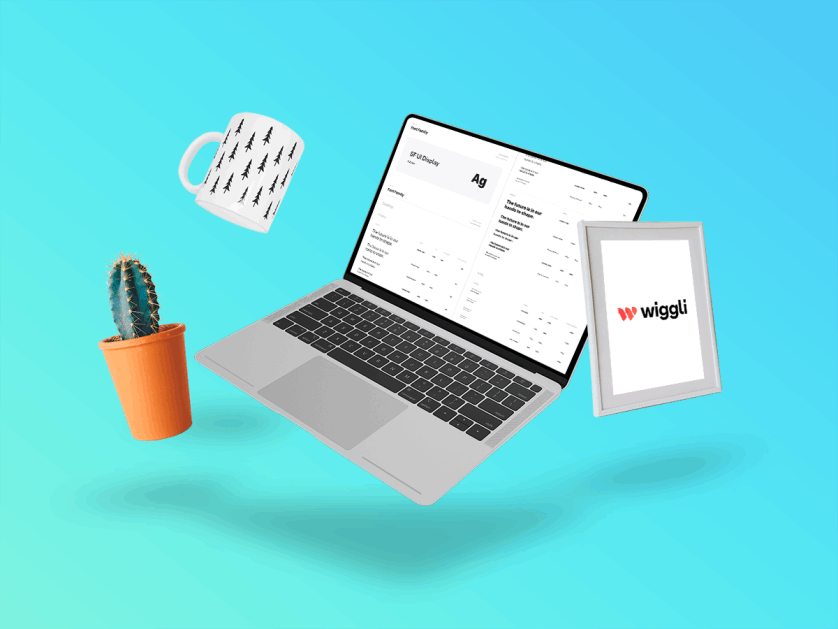
Text Styles
Text Styles

These presets allow you to apply pre-sets to your application typography to help stay consistant. You can also update the font family to your product branding.

Read more.
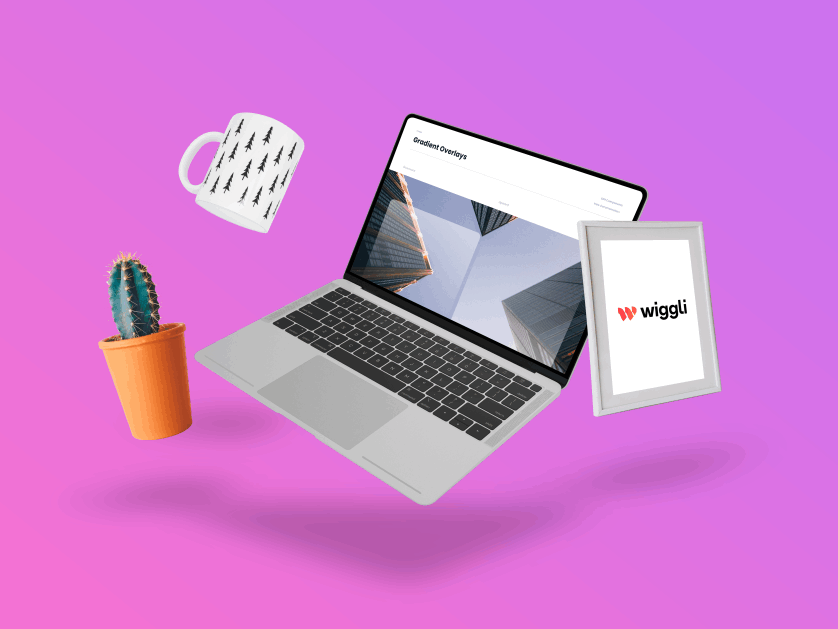
Styles effect
Styles

Applying effects and styles allows you to set dropshadows, blur effects and more. These pre-set styles come with small medium and large sizes.

Read more..
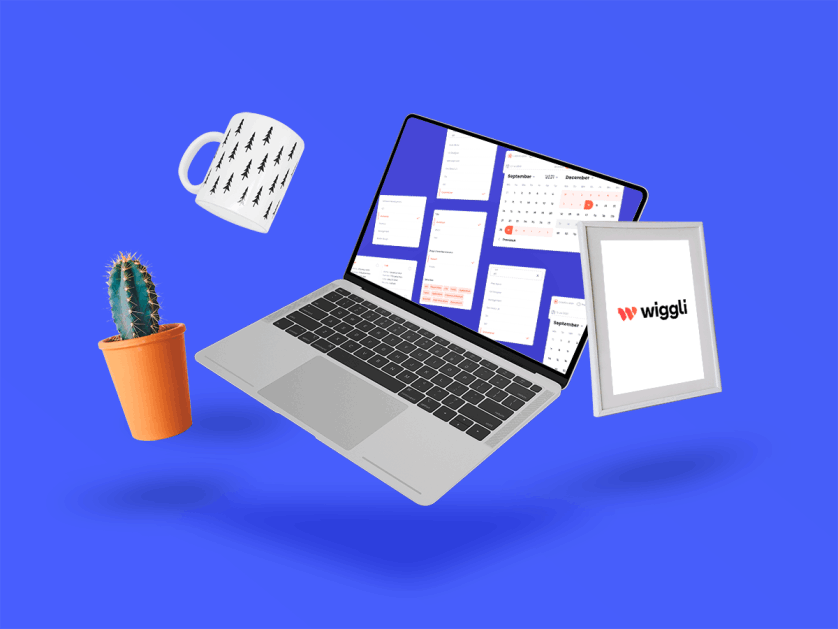
Components
Components

You can think of these as Logo blocks that combined can quickly stand up apps. In Figma there are many ways to customize component features through varients.

Read more..
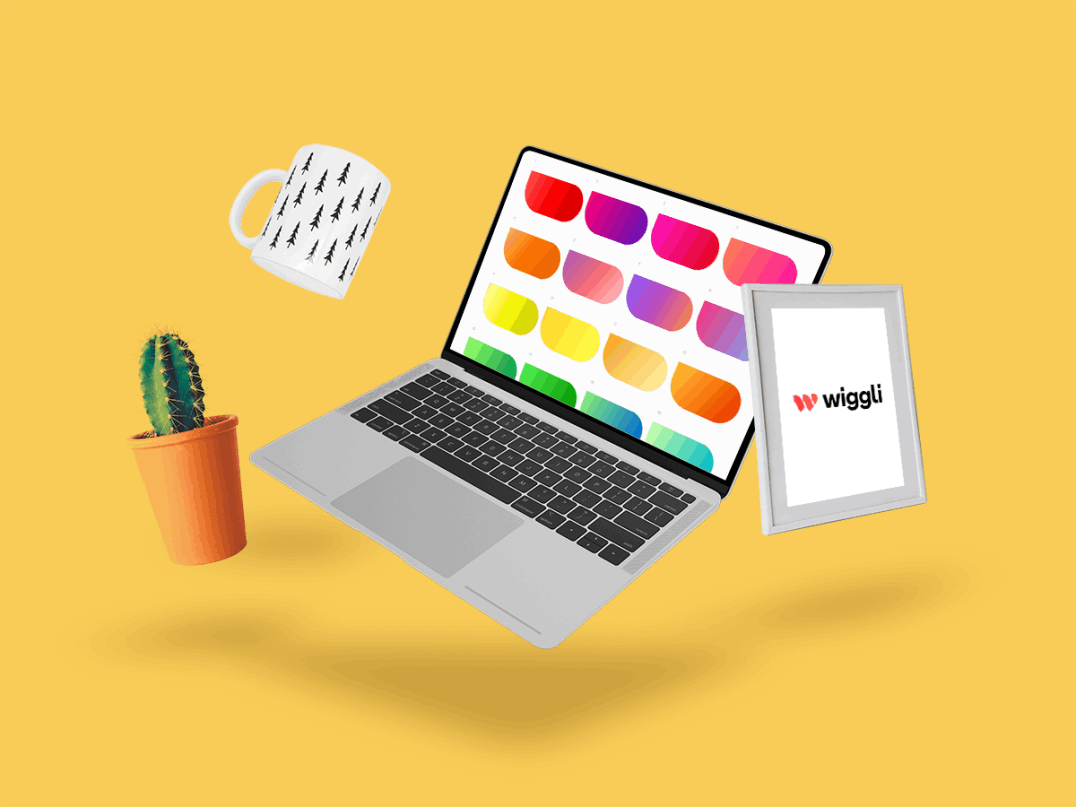
Color DS
Colors 

Color is an important key to support accessibility and align branding. You can apply and customize the pallete and gradients to your unique liking.

Read more..
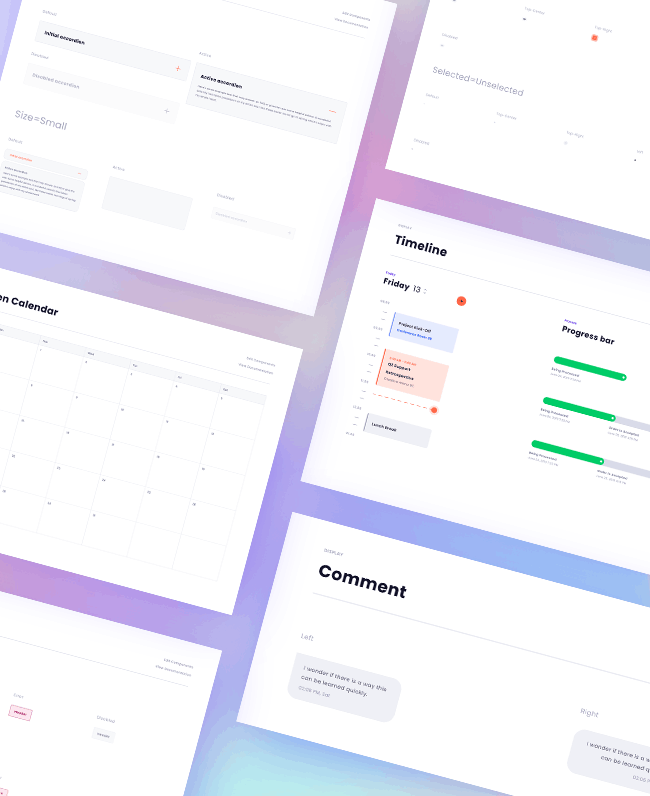
Overview

Overview Gravity DS

A general overview of Wiggli styles and components.

Data entry
Components
Data entry
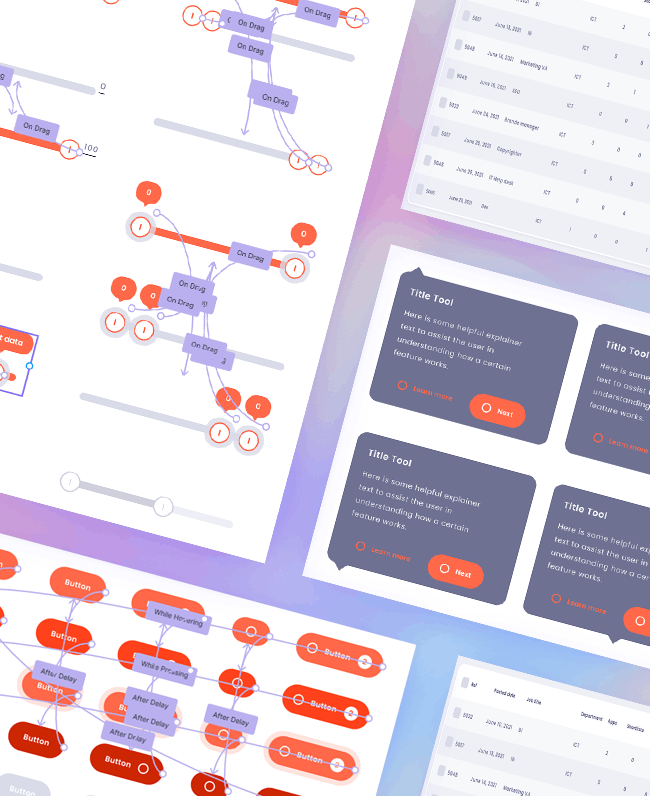
Interactive components
Prototype
Interactive components

Storyset

Awesome free customizable illustrations for your next project
Customize, animate and download our illustrations to make incredible landing pages, app or presentations!

Pre-defined

This part of the design system contains the elements :
Icon / Color / Typography / Effects

Pre-defined
Components
Components

This part of the design system contains the elements :
Alignment / Avatars / Data Entry / Data Charts

Wireframe

Wireframe with all components.

Wireframe
Prototype
Prototype

Prototyping UI interfaces.

Contact us

We are here to help you with any of your needs